CRM features

92 CRM features for your whole business

Leads in one app, quotes in another, team chat on your phone and bills in a spreadsheet. We put all of it in one CRM that opens instantly, keeps working when the internet drops, and gives your clients a portal of their own. Every feature on this page comes with every plan.

  • 92

    Built-in features

    CIPHER CRM feature catalogue
  • 15

    Feature groups

    CIPHER CRM feature catalogue
  • 31

    Industries served

    CIPHER CRM
  • 4.8/5

    Average rating

    192 CIPHER CRM reviews
  • 99.9%

    Platform uptime

    CIPHER CRM

CIPHER CRM is an all-in-one CRM with 92 built-in features across 15 areas, from leads, customers and projects to proposals, invoices, payments, team chat and a branded customer portal. Every feature comes in every plan.

Built by CIPHER Craft Pvt. Ltd. since 2018, it is used by 192+ businesses across 31 industries and rated 4.8 out of 5.

The real problem

What running on scattered tools quietly costs you

When your leads live in a chat app, your bills in a spreadsheet, your tasks in a notebook and your client questions in an inbox, things go missing. A follow-up here, a payment there, a client who needed an answer yesterday. We built these 92 features to bring all of it under one roof.

  • A new enquiry lands in someone's personal chat late at night. By morning it is buried, and nobody has called the customer back.

  • Quotes are typed in one file and invoices in another, so the same numbers get entered twice and nobody is sure who has paid.

  • The day's jobs live in one person's notebook. When they are off sick, the office forgets what it promised.

  • Clients email to ask where their job is, or for a copy of last month's invoice, and someone stops work to dig it out.

  • The internet drops for a minute and the whole tool goes blank, so people stop trusting it and go back to paper.

  • Everyone can see everything, because nothing in the setup says who should see what.

92

Built-in features that take over from the apps, files and notebooks you juggle today, all in one CRM.

CIPHER CRM sign-up screen
One platform

Scattered tools, or one CRM with everything linked

Leads spread across chats, calls and sticky notes

Every lead in one pipeline, with an owner and a follow-up log

Quotes and invoices typed twice in separate files

A proposal becomes an estimate or invoice without retyping

The to-do list locked in one person's notebook

Tasks and projects the whole team can see, tied to the customer

Clients emailing to ask for updates and copies

A branded portal where clients check their own work and bills

A tool that goes blank when the internet drops

Screens that open instantly and keep working offline

Everyone seeing everything, or nobody seeing enough

Access by job role, so you set exactly who sees what

Every feature below comes with every plan. No add-ons and no extra charge per feature.

All 92 features

The complete CIPHER CRM feature directory

Search, or filter by one of the 15 groups, your role or the most-used features, and jump straight to any of the 92.

A CRM that keeps up with you

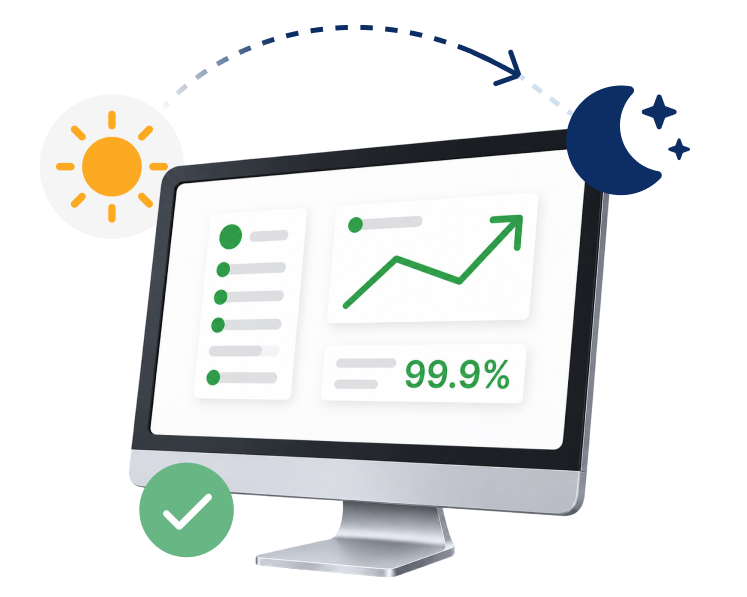
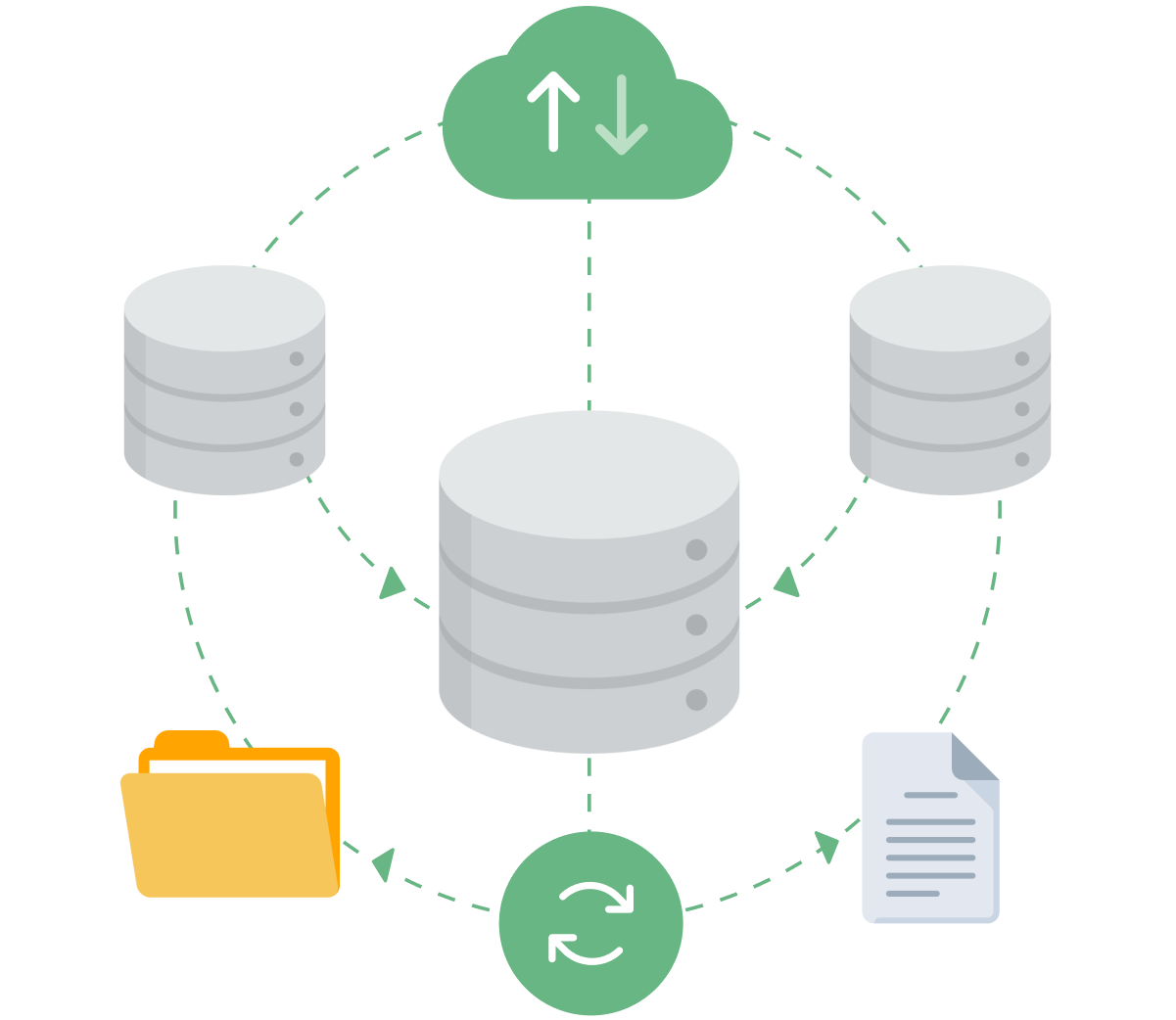
This is how the whole product behaves, on every screen. Screens open with your data already there, every click applies straight away, and the app keeps working when the internet drops. When a teammate changes something, you see it too. Search sits in the same place everywhere, and each person can pick English or French.

0 save buttons to press

See how offline mode works

Set it up once, then run as many companies as you like

A four-step setup takes your company details, time zone and industry, and your industry choice starts you with roles, lead statuses and tabs that suit your trade. One login can run several separate companies, each with its own branding, web address, team and billing currencies.

4 steps from sign-up to a ready workspace

See the step-by-step setup

Sign in safely, wherever you work

You get one personal account for every company you work with, and a separate profile in each. Sign in with email or Google and confirm your email with a one-time code. Too many wrong passwords lock sign-in for a while, and changing your password can sign you out of every other device at once.

6-digit code to confirm your email address

See how we stop password guessing

Catch every lead, then follow it through

Every enquiry gets one record with its contacts, address, deal value, owners, tags and a full history. Leads come in from your online enquiry forms or your team, move across a pipeline board you drag, and carry a log of every follow-up. When the deal is won, one click turns the lead into a customer.

1 click from a won lead to a customer

Explore lead management

Every customer, in one complete record

A customer record holds the legal name that prints on your documents, their tax number, currency, contacts and addresses, plus tabs for projects, proposals, invoices and credit notes. Sort customers into groups, keep as many shipping addresses as you need, and open their portal to see it the way they do.

1 record for every contact, address and bill

Explore customer management

Run every job and every to-do

Projects sit under the customer they belong to, with their own tasks, files, proposals, invoices and chat. Tasks can link to any lead, customer, project or document, with a start and due date and time. View either one as a list or a board, and share a single task by link when someone outside needs the status.

2 views, list or board, one click apart

Explore project management

Quote it, bill it, and let the client say yes online

Proposals, estimates, invoices and credit notes all live in one place. Add items from your price list, each with its own discount and taxes, stamp your signature, and send a link the client opens to view, download and accept. An accepted proposal turns into an estimate or invoice without retyping a single line.

0 lines retyped when a quote becomes an invoice

Explore invoicing

Know what came in, what went out and what is owed

Record full or part payments against any invoice, and the balance and status update themselves. Every payment gets a PDF receipt. Apply a credit note to one or more invoices, or refund the customer directly. Expenses are logged with their taxes and linked to the customer, project or document they belong to.

Every payment and refund gets its own PDF receipt

Explore invoice payment tracking

Set up what you sell once

Keep one price list of your products and services, each with its rate, currency, unit and default taxes, sorted into groups. Pick an item on any document and its details fill in for you. Tax rates and units of measure are managed in one place, and a single item can carry several taxes.

1 price list shared by every document

Explore the price list

Decide exactly who sees and does what

Your staff directory shows each person's role, departments and documents, and one switch turns off a leaver's sign-in without deleting their history. Roles set view, create, edit and delete rights across about 30 areas. You can limit someone to their own records, or give one person extra access without touching their role.

About 30 areas you set access for, one by one

Explore roles and access

Talk about the work right where it lives

Every lead, customer, task, project and document gets its own chat thread the moment it is created, and status changes post there by themselves. Add one-to-one and group messages, a separate thread for each client, reminders, a calendar of every date that matters, and pop-up alerts that reach you with the tab closed.

1 team chat on every customer, lead and bill, set up for you

Explore team chat per customer

Keep every file and every person on the right record

Attach files to any record and preview them in the browser. File formal paperwork by type and see at a glance what has expired. Add checklists with items assigned to teammates, start new leads with a checklist based on their source, and keep several contacts per client, each one a click away.

Live checklist progress shown right on the row

Explore checklists

Give your clients a portal of their own

Your clients sign in to a portal that carries your logo, not ours, and each contact gets their own login. They see a daily summary, follow their projects, send task requests, accept or decline quotes, view invoices and receipts, and message your team in a thread kept apart from your internal chat.

Your logo on every portal screen, not ours

Explore the customer portal

Shape the CRM around your business

Switch off the sections you do not use and reorder the rest. Rename any section, so leads become enquiries or projects become jobs. Add extra fields of any type to any section, and build whole new tabs on leads, staff and sales documents. None of it needs a developer or a line of code.

0 lines of code to add a field or a tab

Explore extra fields

The same small tools everywhere, learned once

Tags, pins, priority flags, several people on one job, date filters, progress boards, activity history and short customer and job numbers work the same way in every section. Once your team learns them on leads, they already know them on projects, tasks and documents, so there is nothing new to figure out on each screen.

Same controls in the same place in every section

Explore the activity history
For your team

Which features matter for your role?

A CRM gets used by a whole team. Here is what each role gets out of CIPHER.

Why CIPHER

The things most CRMs leave out

Most CRMs make you wait on loading screens, stop working when the internet drops, and charge extra for the parts you need. We built CIPHER the other way round, and every one of these comes with every plan.

  • Screens that open instantly

    Every screen shows your last-seen data the moment it opens, and every click applies right away. No spinner, no save button.

  • Keeps working offline

    If the internet drops, you keep working from the data on your device. It updates itself when you are back.

  • Your whole team, live

    When a teammate changes a record, it updates on your screen too, and you can see who is online.

  • A portal for your clients

    Clients sign in to a portal with your logo to follow projects, accept quotes, see invoices and message you.

  • Shaped to how you work

    Rename sections, add extra fields and build your own tabs without code, so the CRM uses your words.

  • Every feature, every plan

    All 92 features come with every plan. You never pay extra to switch a section on.

In depth

Three features that change how you work

CIPHER CRM lead pipeline board with deal values per stage
Sales stages

See every deal and what it is worth, stage by stage

Switch between a list grouped by status and a drag-and-drop board in one click. Each stage can show the total deal value inside it, and empty stages stay on screen, so you can see where money is sitting and move a lead forward with a drag.

  • You set the stages yourself, and you choose whether deal values show at all.
  • Won leads move into a customer group on their own, so the working pipeline stays clean.
CIPHER CRM invoice screen with payment status
Invoicing

Send an invoice that keeps its own status up to date

Turn an accepted estimate into an invoice without retyping. Record a full or part payment and the invoice marks itself part paid or paid, with an overdue flag when it runs late. Your client opens a link to see the bill, its payment history and their receipts.

  • Any currency, several taxes per item and your own numbering are all built in.
  • Every payment gets a PDF receipt your client can download from the invoice link.
CIPHER CRM lead record with contacts, follow-ups and tasks
Track every enquiry

Keep every enquiry, and everything about it, in one record

Each lead holds the contact details, address, source, deal value, owners and tags, plus tabs for follow-ups, checklists, files, tasks, reminders and proposals. Online enquiry forms bring new leads straight in, and one click calls, emails or opens a WhatsApp chat.

  • Filter by owner, status, source, tag or date, or search by name or number.
  • When the deal is won, one click turns the lead into a customer and checks for duplicates first.
How it works

How CIPHER CRM works in 4 steps

  1. Step: 1

    Set up in four steps

    Add your logo and company details, pick your time zone and industry, and you start with roles, lead statuses and tabs that suit your trade.

  2. Step: 2

    Bring in your leads

    Leads arrive from your online enquiry forms or your team, and each one gets an owner, a stage and a follow-up log.

  3. Step: 3

    Quote, bill and get paid

    Send a proposal or estimate the client accepts online, turn it into an invoice, and record payments as they come in.

  4. Step: 4

    Deliver and keep clients close

    Run the job as a project with tasks and checklists, and let the client follow it in their own portal.

Compare

All-in-one CIPHER CRM vs spreadsheets vs generic CRM

What mattersCIPHER CRMSpreadsheets + point toolsGeneric CRM
All-in-one (leads, projects, billing, portal) Yes, 92 features included No, separate tools Partly, with paid add-ons
Conversations on the record A team chat on every customer, lead and bill Personal phones and inboxes Often a separate app
Proposals, estimates and invoices Built in, any currency A separate spreadsheet Often an add-on
When the internet drops Keeps working, updates itself when back online Shared files stop loading Usually needs a live connection
Pay extra per feature No, every feature in every plan Per tool Yes, per user and per feature
Setup time 1 to 3 days Ongoing, by hand Weeks of setup
Shaped to your trade A setup for your trade, sections you can rename Build it yourself One blank setup
Client self-service Branded customer portal included Email back and forth Often extra cost
No surprises

Every feature , every plan, every industry

All 92 features come with every plan of CIPHER CRM. Pricing is based on your team and usage, never on which features you use, so you are never upsold a feature you expected to be standard. And we move your data across for free when you join.

Flexi

Smart Plan

Billed every quarter. All 92 features included.

Contact for pricing

Get a tailored quote

What's included:

  • All 92 features included
  • Leads, customers and projects
  • Proposals, estimates and invoices
  • Team chat, calendar and reminders
  • Offline mode with automatic sync
Security and access

Your data, locked down by role

We keep client data safe with access by job role, limits on who can see which customers and jobs, and a sign-in pause after repeated wrong passwords, all on 99.9% uptime.

See how we keep data safe

Access by job role

Each job role gets its own view, add, change and delete rights, area by area.

Limit to own work

Let someone work only on their own customers and tasks, or on everything.

99.9% uptime

The CRM is there when your team needs it.

Stop password guessing

Too many wrong passwords pause sign-in for a while, with a visible countdown.

Proof

Businesses in 31 industries run on CIPHER

Our quotes used to take days and follow-ups just fell through the cracks. Now every lead has someone on it and a clear next step. We are closing a lot more than we did.
Rahul Mehta
Rahul Mehta Director, Logistics firm - Ahmedabad
I thought moving would take months. We were up and running in two days. I get back about two hours a day that used to go into updating sheets.
Priya Nair
Priya Nair Operations Head, Healthcare clinic chain - Kochi
Because it was set up for property from the start, we were not fighting the software. My managers finally trust the numbers on the screen.
Amit Shah
Amit Shah Founder, Real-estate agency - Surat
Ready when you are

See all 92 features on your own data

From our own base

The numbers behind CIPHER CRM

192+

businesses run their leads, jobs and billing on CIPHER CRM

CIPHER CRM customer base

1 to 3 days

the usual time to go live, with your old data moved across for free

CIPHER CRM onboarding

4.8 out of 5

average rating, from 192 reviews

CIPHER CRM reviews

Where these come from Figures come from CIPHER CRM's own customer, onboarding and review records across 31 industries.

CRM features frequently asked questions

Still thinking it over?

CRM features, questions people ask us

The things business owners ask us most, answered straight.

99% uptime guaranteeISO 27001 certified company24/7 response supportGDPR approvedSSL encrypted 2024
What features does CIPHER CRM include?

CIPHER CRM includes 92 built-in features in 15 groups. They cover leads, customers, projects and tasks, proposals, estimates and invoices, payments and expenses, team chat and a calendar, files and checklists, a branded customer portal, and tools to rename sections and add your own fields. You can search the full list above.

Does CIPHER CRM work offline?

Yes. Every screen keeps a copy of the data you have seen on your device, so the app keeps working when the internet drops. A clear reconnecting state shows you are offline, and when the connection comes back it updates itself, including any changes your teammates made in the meantime.

Is there a customer portal?

Yes. Your clients get a portal with your logo, not ours, and each contact has their own login. Inside, they see a summary of what needs them, follow their projects, accept or decline proposals and estimates, view invoices and receipts, and message your team in a thread kept apart from your internal chat.

Can I rename sections and add my own fields?

Yes. You can rename any section, so leads become enquiries or projects become jobs, and the new name shows everywhere. You can add extra fields of any type to any section and build your own tabs on leads, staff and sales documents. None of it needs code, and you can switch off sections you do not use.

Can I bill in more than one currency?

Yes. You keep a list of the currencies your business bills in, and each customer has their own. Every proposal, estimate and invoice uses that customer's currency, and once a document exists for them the currency locks, so old documents never change. You set up your own tax rates and can apply several per item.

How do permissions work?

Every workspace has one owner, admins with full access, and staff who follow their role. For each role you choose view, create, edit and delete rights across about 30 areas. You can limit someone to their own records, and give one person extra access without changing the whole role.

Can my team see each other's edits live?

Yes. When a teammate changes a lead, task, invoice or any other record, you see it on your screen without refreshing. Every customer, lead and bill has its own team chat, you can see who is online, and if you have the same record open in two browser tabs, both stay in step.

Can I run more than one company?

Yes. One login can hold as many companies as you need, each with its own data, branding and team, kept fully separate. A switcher moves you between them in one click and remembers where you were. Each company gets its own web address, or you can connect a web address you already own.

Are all features included in every plan?

Yes. All 92 features come with every plan. Pricing depends on your team and how you use CIPHER, never on which sections you switch on, so nothing you expected as standard turns out to be a paid add-on. You can still turn off any section you do not need.

How long does it take to set up?

Most teams go live in 1 to 3 days. A four-step setup asks for your company details, time zone and industry, then starts you with roles, lead statuses and tabs that suit your trade. We move your existing data across for free, so you do not start from a blank screen.

Glossary

CRM terms, defined

  • Pipeline

    The stages a lead moves through, from first enquiry to won or lost.

  • Progress board

    A view that shows records as cards in columns, one column per stage, that you drag to move. Also called a Kanban board.

  • Proposal

    A document that sets out what you will do and for how much, which a client can accept or decline.

  • Estimate

    A priced quote for the work, which becomes an invoice once the client agrees.

  • Credit note

    A document that lowers what a customer owes, or refunds them, against an earlier invoice.

  • Customer portal

    A private area where your clients sign in to see their projects, documents and messages.

  • Access by job role

    Settings that decide what each person can see and do, based on their job role. Also called role-based access.

  • Extra field

    A field you add to a record, like a date or a dropdown, to hold details your business needs. Also called a custom field.

We're here to help

Book a free demo and see it for yourself

Leave a few details and we call you within a day to walk you through CIPHER CRM set up for your trade. There is no commitment and nothing to sign.

On the call we map out your sales stages, answer whatever you want to ask, and show you exactly how your team would work day to day.

Email support

We're just one email away.

hello@ciphercrm.co

Call us

Call us Mon-Fri, 8am-5pm.

(+91) 97122 00017

Visit our website

Explore products & pricing

ciphercrm.co

Prefer to talk first?

Reach us via support page.

Visit our contact page

Book a free demo

We call within a day. Nothing to commit to.

1000 characters remaining

Send on WhatsApp and get your demo Prefer to talk? Visit our contact page

By sending this, you are okay with CIPHER CRM getting in touch. We never share your details.

  • No obligation
  • Quick response
  • Your data is safe
Book Demo