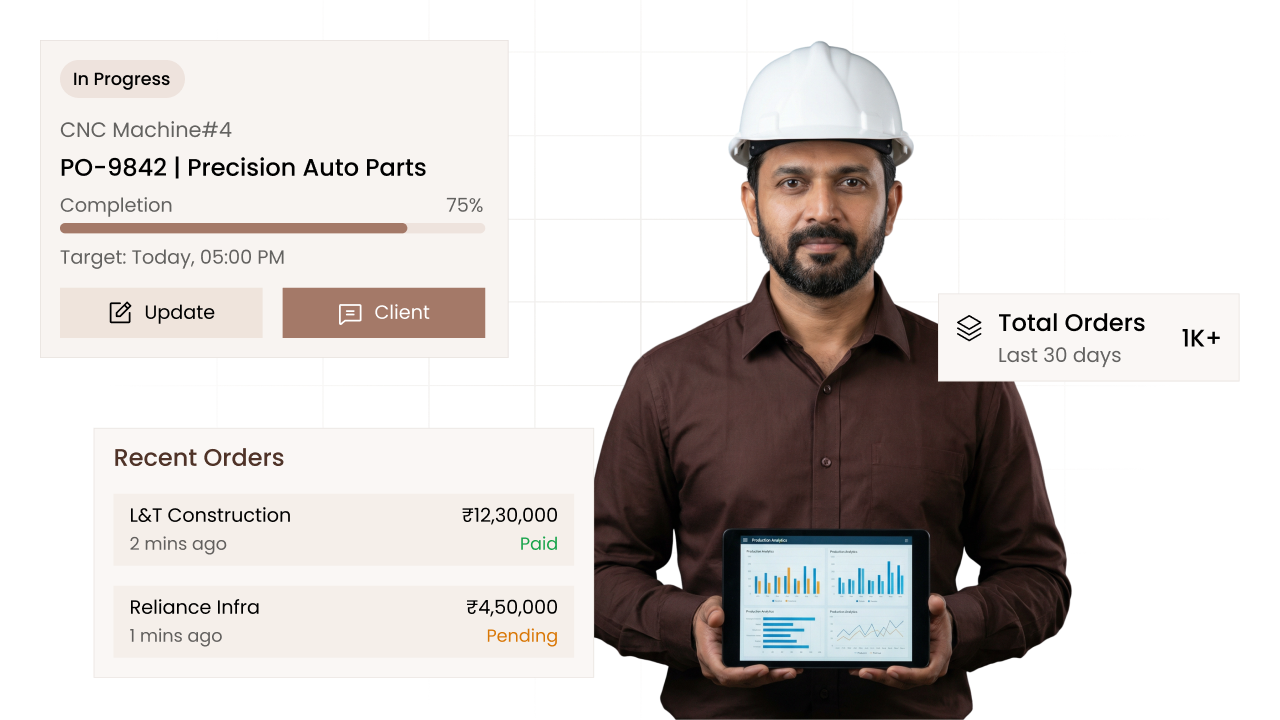
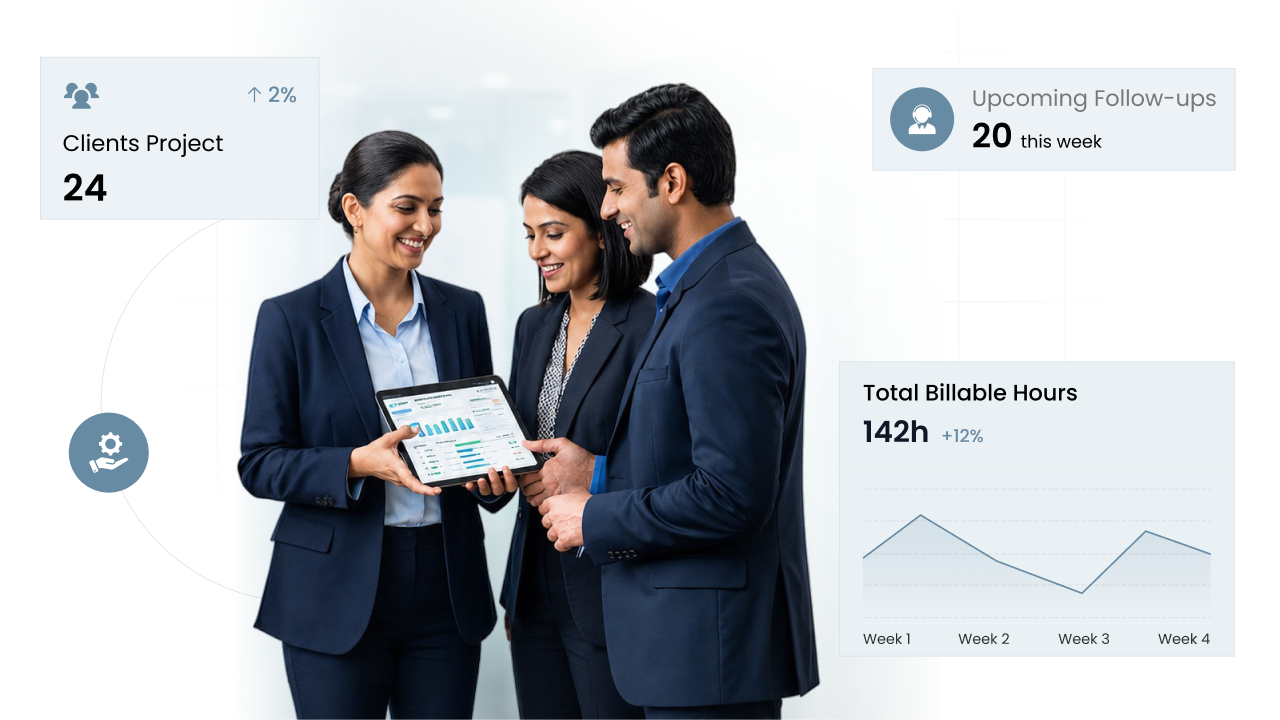
Lead management software with every enquiry in one place

Each enquiry becomes a lead with one place for everything, from the first phone number to the proposal you send. Your team finds any lead with a filter or a search, instead of looking through notebooks and chats.

Track every enquiry in CIPHER CRM
  • 192+

    Businesses trust us to grow

    192+ CIPHER teams
  • 31

    Industries served

    CIPHER CRM
  • 4.8/5.0

    Average rating

    192+ CIPHER teams

Lead management in CIPHER CRM turns every enquiry into a lead with its own page: contact details, address, status, source, the staff working on it, tags and, if you like, what the sale could be worth.

Tabs on the lead hold its follow-ups, tasks, 🔔 reminders, files, proposals and a history of changes.

Filters and a search that checks every word find any lead fast, so whoever works on it next sees the whole story. 192+ businesses run CIPHER CRM across 🏭 31 industries, with 92 built-in features, a ⭐️ 4.8/5 average rating and ⏱️ 99.9% uptime.

Most teams are live in 1-3 days.

Definition

What is lead management software?

Lead management is how a business keeps track of people who might buy, from the first enquiry to the day they become a customer or walk away. Lead management software holds each enquiry as a record your whole team can see, update and follow up on, so the history does not live in one person's notebook or phone.

CIPHER CRM keeps each lead as one rich record. You store the company and contact details, a full address suggested from the location as you type, the status, the source, the currency and an optional deal value. You can flag priority, add several assignees and tags, write a formatted description and choose whether the lead is public to the team or private. Inside the lead, tabs hold follow-ups, a checklist, attachments, formal documents, several contacts, tasks, reminders, proposals and an activity log. Filters for Assigned to me, Created by me, Public and Pinned, plus assignee, status, source, tag and date range, narrow the list, and full text search finds the rest. Before you save a lead with gaps in its address, CIPHER CRM nudges you, because that address prints on later sale documents. Once a lead becomes a customer, it files itself into a collapsed group so your working list stays clean.

Track every enquiry in CIPHER CRM
The problem

What happens without enquiry tracking

Enquiries arrive by phone, walk-in and email, and half of them end up on sticky notes that nobody can find a week later.

Two salespeople call the same lead on the same day because neither can see what the other already did.

A good lead goes cold because the details, the last conversation and the next step all live in one person's head.

You finally win the deal, then find the address is half missing when it is time to send the first bill.

Your lead list is full of deals you closed months ago, so the ones still in play are hard to spot.

What slips without Track every enquiry
Capabilities

What you can do with enquiry tracking

  • One record with everything about the lead

    Contact details, address, status, source, currency, optional deal value, priority, assignees, tags and a formatted description all sit on the same lead, with a switch to keep it public or private.

    record level permissions
  • Every part of the deal in its own tab

    Follow-ups, Checklist, Attachments, Documents, Contacts, Tasks, Reminders, Proposals and the Activity log live on the lead, so one place tells the whole story.

    crm audit trail
  • Find the right lead fast

    Filter by Assigned to me, Created by me, Public or Pinned, then by assignee, status, source, tag or date range. Full text search covers everything else.

    crm search
  • Several people on one lead

    Add each person you deal with at that company as a contact, with their own phone, email and job title, instead of cramming names into the notes.

    contact management software
  • Clean addresses before the first bill

    The address is suggested from the location as you type, and CIPHER CRM nudges you before you save a lead with gaps, since that address prints on the sale documents that follow.

    multiple shipping addresses crm
  • Closed deals move out of the way

    Once a lead becomes a customer, it files itself into a collapsed Customer group, so your working list shows only the leads still open.

    lead conversion crm
Why CIPHER

Why enquiry tracking is better in CIPHER

Most CRMs give you a lead as a name, a phone number and a notes box. We give each enquiry a full record your team can work from.

  • The whole history on the lead

    Follow-ups, tasks, files, proposals and the activity log sit inside the lead itself, so nobody pieces the story together from different screens.

  • Set up for your trade

    Pick your industry and CIPHER CRM starts you with lead sources and statuses suited to how your line of work sells. You can change them whenever you like.

  • A small nudge that saves a headache

    The address check before saving means the first document for a new customer does not go out with half an address on it.

  • Every feature in every plan

    Lead management is not a paid tier. Every workspace gets the full lead record and every filter, used today by 192+ businesses across 31 industries.

How it works

How enquiry tracking works in CIPHER CRM

  1. Add the lead

    Type in the company and contact details. Start typing the location and pick the suggested address.

  2. Set status, source and owner

    Choose the status and where the enquiry came from, add a deal value if you track one, and assign one or more teammates.

  3. Work the lead from its tabs

    Log follow-ups, tick off checklist items, attach files, add tasks and reminders, and prepare a proposal from the same record.

  4. Filter to what matters today

    Use Assigned to me, Pinned or a status filter to see only the leads you need to move this morning.

  5. Convert when you win

    Turn the lead into a customer in one click, and it files away into the collapsed Customer group.

Compare

Enquiry tracking: CIPHER CRM vs spreadsheet vs generic CRM

What mattersCIPHER CRMSpreadsheet / manualGeneric CRM
Where lead details live One record with contacts, files, tasks and proposals Spread across sheets, notebooks and inboxes A contact record, with extras often in add-ons
Several people at one company Multiple contacts on each lead Extra columns that keep running out Often one contact per lead
Finding a lead Filters by owner, status, source, tag and date, plus full text search Scroll and use find Search, with filters that vary by plan
Address quality Suggested from location, with a nudge before saving gaps Whatever someone typed in a hurry Usually a free text field
Closed deals File themselves into a collapsed Customer group Stay mixed in with open leads Often need a manual archive or clean-up
Keeping a lead private A public or private switch on each lead Anyone with the file sees everything Depends on the plan and the setup
Track every enquiry

See enquiry tracking in action

Anyone who asks about buying becomes a lead, with contacts, status, follow-ups and files on one page. Every call, file and next step sits on the lead, so the business keeps running when someone is on leave.

Why it's worth it

What enquiry tracking changes for your business

See how CIPHER CRM solves this

Nothing depends on memory

Every call, file and next step sits on the lead, so the business keeps running when someone is on leave.

Less double work

Assignees and the activity log show who is on a lead and what has happened, so two people do not chase the same enquiry.

Faster mornings

A couple of filters give each person their list for the day without scrolling through everyone else's leads.

Cleaner customer records from day one

Complete addresses and contacts on the lead mean the customer record is right the moment you convert.

Ready when you are

See enquiry tracking on your own data

Proof

Teams that switched to CIPHER

Our quotes used to take days and follow-ups just fell through the cracks. Now every lead has someone on it and a clear next step. We are closing a lot more than we did.
Rahul Mehta
Rahul Mehta Director, Logistics firm - Ahmedabad
I thought moving would take months. We were up and running in two days. I get back about two hours a day that used to go into updating sheets.
Priya Nair
Priya Nair Operations Head, Healthcare clinic chain - Kochi
Because it was set up for property from the start, we were not fighting the software. My managers finally trust the numbers on the screen.
Amit Shah
Amit Shah Founder, Real-estate agency - Surat

Enquiry tracking frequently asked questions

FAQ

Enquiry tracking - your questions answered

99% uptime guaranteeISO 27001 certified company24/7 response supportGDPR approvedSSL encrypted 2024
What is lead management software?

Lead management software keeps every possible buyer in one shared list, with their details, the conversations you have had and the next step. CIPHER CRM gives each lead a full record with contacts, follow-ups, tasks, files and proposals, so your team can see where every enquiry stands.

What can I store on a lead in CIPHER CRM?

You can store company and contact details, a full address, status, source, currency, an optional deal value, a priority flag, several assignees, tags and a formatted description. The lead also has tabs for follow-ups, a checklist, attachments, documents, contacts, tasks, reminders, proposals and an activity log.

Can I add more than one contact to a lead?

Yes. A lead can hold as many contacts as you need, each with their own phone, email and job title. That way the buyer, the decision maker and the person who pays are all on the same lead instead of scattered through your notes.

How do I find a lead quickly?

Use the quick filters for Assigned to me, Created by me, Public or Pinned, then narrow by assignee, status, source, tag or date range. Full text search looks across names, companies, contact details and more, so you can also type what you remember and jump straight to it.

Can I keep some leads private?

Yes. Each lead has a public or private switch. Public leads are visible to your team, while private ones stay limited. You can also set how far each role reaches, so a salesperson sees only their own leads or the whole workspace.

What happens to a lead after it becomes a customer?

When you convert a lead, CIPHER CRM creates the customer and files the old lead into a collapsed Customer group in your lead list. The history stays on record, but closed deals no longer crowd the leads you are still working on.

Can I email or message a lead from inside the record?

Email and WhatsApp-style messaging tabs on the lead are still in development, so they are not live yet. Today you can use the one-click call, WhatsApp and email buttons on each lead row, which open your own phone, chat or email to reach the person.

Glossary

Enquiry tracking terms, defined

  • Lead

    A person or company who has shown interest in buying from you but has not become a customer yet.

  • Lead source

    Where an enquiry came from, such as a referral, your website or a walk-in, saved on the lead so you can filter by it.

  • Lead status

    The stage a lead has reached, such as new, contacted or proposal sent, set from a list you control.

  • Deal value

    An optional amount on a lead showing roughly what the sale is worth, in the lead's own currency.

We're here to help

Book a free demo and see it for yourself

Leave a few details and we call you within a day to walk you through CIPHER CRM set up for your trade. There is no commitment and nothing to sign.

On the call we map out your sales stages, answer whatever you want to ask, and show you exactly how your team would work day to day.

Email support

We're just one email away.

hello@ciphercrm.co

Call us

Call us Mon-Fri, 8am-5pm.

(+91) 97122 00017

Visit our website

Explore products & pricing

ciphercrm.co

Prefer to talk first?

Reach us via support page.

Visit our contact page

Book a free demo

We call within a day. Nothing to commit to.

1000 characters remaining

Send on WhatsApp and get your demo Prefer to talk? Visit our contact page

By sending this, you are okay with CIPHER CRM getting in touch. We never share your details.

  • No obligation
  • Quick response
  • Your data is safe
Book Demo