More done in the same day
Seconds saved on every screen add up across a team that moves between records all day.
Each screen in CIPHER CRM opens at once with data from your last visit, then checks for newer data and shows any change. You start work without waiting, and what you read is still up to date.
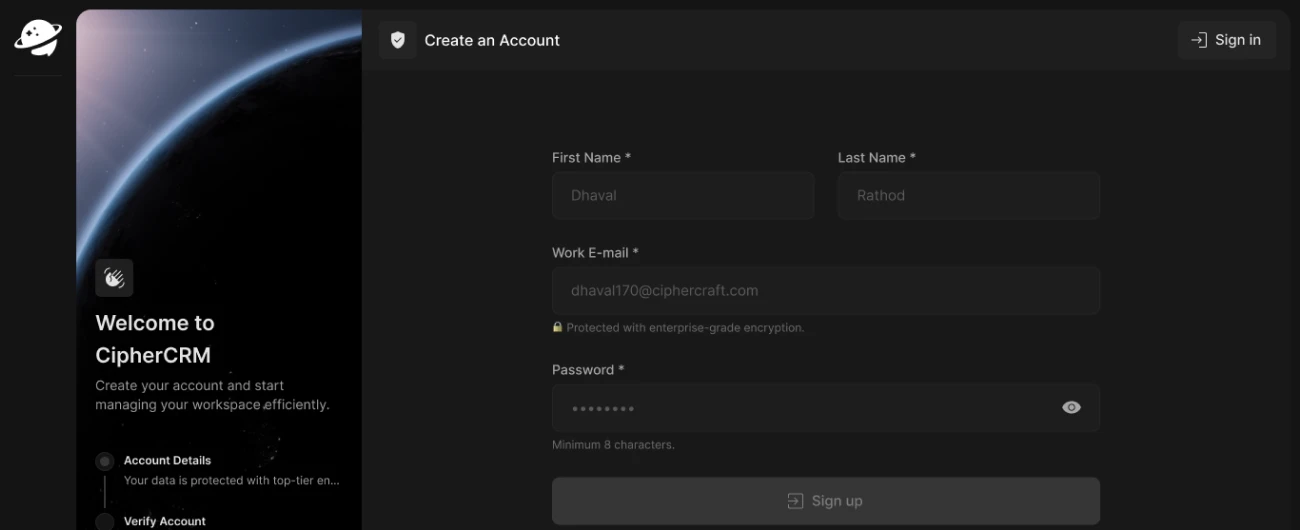
Instant loading in CIPHER CRM means no screen opens blank. Each screen shows the data from your last visit the moment you open it, and CIPHER CRM checks for newer data at the same time. If something changed, the new value appears. If nothing changed, the screen stays still.
Your team can open a customer's details during a call instead of waiting for a page. 192+ businesses run CIPHER CRM across 31 industries, with 92 built-in features, a 4.8/5 average rating and 99.9% uptime. Most teams are live in 1-3 days.
Every screen opens at once, then checks for newer data, so a new payment or status change still shows.
Every screen shows the data you saw last time as soon as it opens, so there is no blank page and no loading spinner to sit through.
While you read, CIPHER CRM quietly asks the server for anything new. You do not press refresh, and you do not wait for the check before you start.
A background check on its own never redraws the page. The screen only updates when something has changed, so lists do not jump under your cursor.
When a colleague edits a record, the change lands on your screen by itself, so a fast screen is also a current one.
Opening quickly is half of it. Edits, status changes and assignments also apply to your screen the moment you make them.
Your last-seen data is already on your device, so screens you have visited still open when the network is slow or gone.
Staff who cannot see well or use a mouse can work on every screen by keyboard or with a read-aloud tool.
Add your logo, company details and time zone in order, and every answer saves so you can finish later.
Pick your type of business at signup, and your enquiry stages, staff groups and document types come ready.
Seconds saved on every screen add up across a team that moves between records all day.
You can pull up a customer while they are still talking, so you answer with facts instead of "let me get back to you".
Because the page does not flicker or jump for no reason, people keep their place and make fewer wrong clicks.
When the tool keeps up with them, staff stop keeping side notes and the records stay complete.
 4.8

Potato traders pay storage rent bit by bit as they lift their bags. The Overdue flag tells me which trader to call before his last bags go out.


When a dealer sends back a faulty e-rickshaw battery, its value goes on a credit note in his name. He can adjust it against his next invoice.


Each reefer load for the prawn processing plants needs the set temperature, vehicle number and seal number noted. We put a field for each of those on the load record, so when a plant rings, the office reads the details off the screen instead of phoning the driver.

 Still thinking it over?
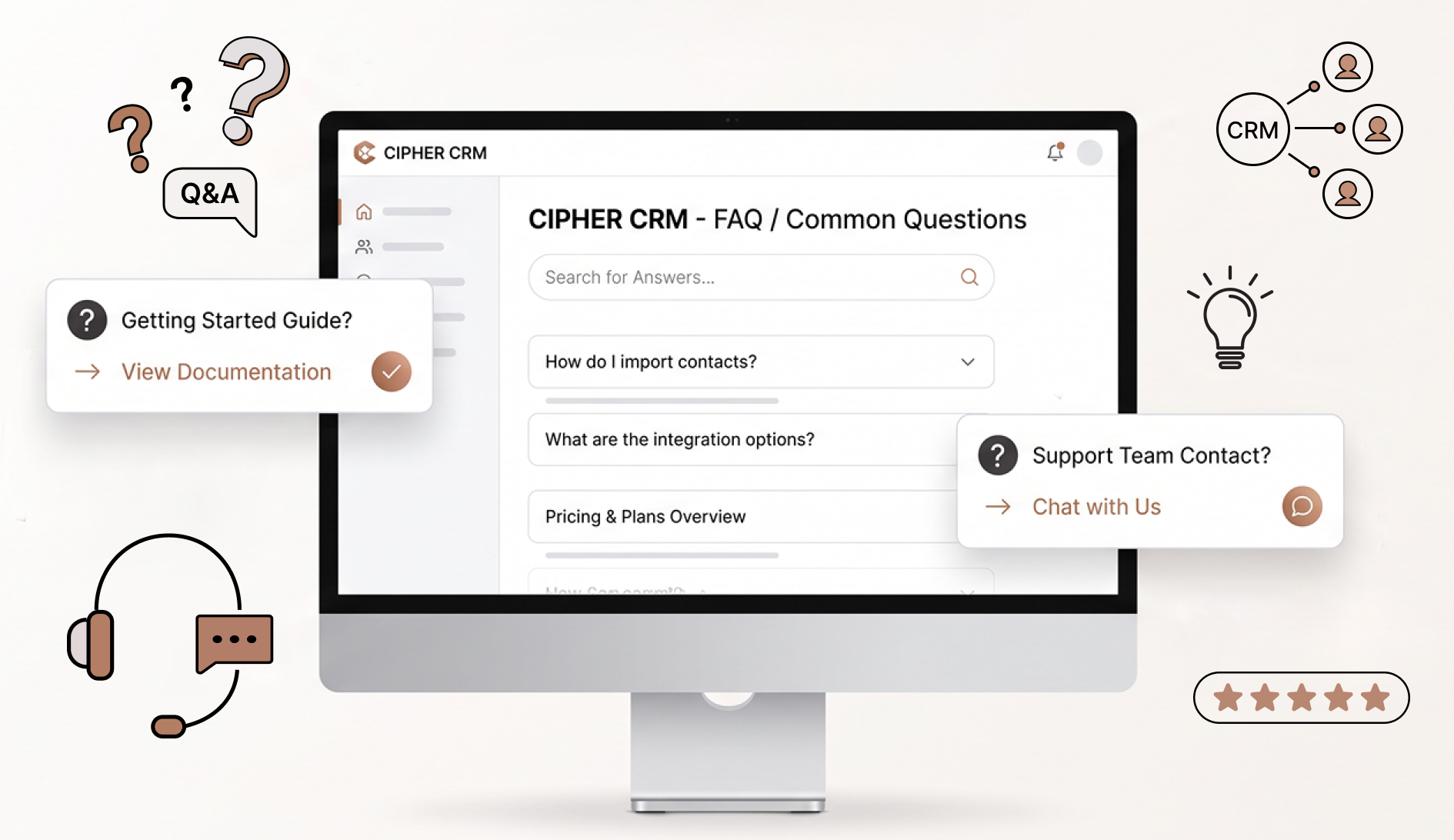
Still have a question? Book a demo and ask us while you see instant loading working.





Screens in CIPHER CRM open with your last-seen data the moment you click, so there is no blank page to wait through. It then checks for anything new in the background and only updates the screen when something has changed. We do not quote load times, because they depend on your device and network.
For a moment you see what you saw last time, which is usually still correct. CIPHER CRM checks for changes straight away in the background, and if anything is new, that part of the screen updates on its own. You never need to press refresh to get the current version.
We built the interface so that a background check on its own does not redraw anything. The screen only changes when the data has changed. If the check finds nothing new, your list, your scroll position and the row under your cursor all stay exactly where they were.
It works across the product. Leads, customers, tasks, projects, proposals, estimates, invoices and the rest all open with last-seen data first and check for updates behind it. You get the same quick screens in whichever part of CIPHER CRM you happen to be working.
No. Instant-loading screens are part of how CIPHER CRM is built, and every feature is included in every plan. There is no premium speed tier, nothing to switch on and nothing to set up. Every user on your team gets the same quick screens from their first day.
Screens you have already opened still show their last-seen data straight away, because that copy is kept on your device. The background check simply takes longer to finish. If the connection drops altogether, offline mode keeps the app usable and syncs once you are back online.
A large shared sheet often has to load in full before you can use it, and it can shift around as other people edit. CIPHER CRM opens each screen with your data at once and only moves the parts that changed, so you keep your place while you work.
 View all features
When a teammate changes a lead, task or invoice, it shows on your screen at once, and you see who is online.
Every change is saved the moment you make it, so there is no Save button to press or forget.
Keeps showing the customers and tasks you opened when the internet drops, and updates itself when it returns.
Find a customer, lead, task or invoice by typing a name, phone number, email or reference number.
Each person picks their own language for menus and buttons, with English and French available today.
Switch the whole app to dark colors, with every screen designed for it and no bright page left over.
Keep each company's customers, bills and staff apart under one login, and switch between them in a click.
Stay signed in to two separate accounts, such as your own and a work account, and switch in one click.
Give each staff member a user ID and password to sign in with, so no one needs a work email.
Your team signs in at a web address with your company name in it, so they always know the page is yours.
Show your logo on your team's screen and on every quote and bill, with a picture of your signature on each.
Set each customer's currency once, and every quote and bill you make for them uses it.
Choose how your team sees you, with a separate profile in each business you are part of.
Only you can change your password or login email, and a forgotten password resets with an emailed code.
Use the Google account you already have to get in, or an email and password if you prefer.
Each new login email gets a one-time code (OTP) to type in, so password resets reach the right inbox.
Too many wrong passwords pause sign-in for a short while, with a countdown to the next try.
When you change your password, you can make every other phone and computer sign in again.
Anyone who asks about buying becomes a lead, with contacts, status, follow-ups and files on one page.
See each lead under its step, like new, quoted or won, in a list or on a board where you drag it forward.
Write down every call, visit and message and how it went, and see when each lead last heard from you.
When a lead says yes, one click adds them and their details to your customer list, with no retyping.
Put a form on your website or share its link, and each enquiry comes in as a lead for the right staff member.
Reach any lead in one click from your list, without typing a number or opening their page.
Each customer gets one page with their contacts, projects, quotes, invoices and full history.
Sort customers into your own groups, like wholesale or retail, and see each group on its own.
Keep one billing address, plus a shipping address with its own name for each branch or warehouse.
Open the pages your customer sees when they sign in, without asking for their password.
Keep each client job as a project, with its team, dates, tasks, files and bills in one place.
Give one piece of work to a teammate, set the due date and time, and connect it to the customer it is for.
Send a client or supplier a link to one task that opens with no sign-in, and turn the link off any time.
Send a detailed offer with prices and terms, even to someone who has not bought yet, and get a reply online.
Send a numbered price quote for goods or services, and let the customer accept it from a link.
Bill customers and see at a glance which invoices are paid, partly paid or overdue.
Record money you owe a customer after a return or overcharge, then take it off a bill or refund it.
Keep every proposal, estimate, invoice, payment and expense in one place, and choose who can open each kind.
Add each item to a quote or bill from your product list or by hand, with its own price, discount and taxes.
Give a discount before tax, after tax or on one item, the same way on quotes and invoices.
Write your usual paragraphs once, then add them to any quote or bill in one click.
Add a picture of the company's or a staff member's signature to any quote or bill and its PDF.
Preview any quote or bill on screen, then download it to print or send, with the total in words.
Choose how the numbers on your invoices, estimates and credit notes look, and get warned before one repeats.
Send a private link, and your client reads the quote and says yes or no, with no login needed.
Make the invoice from the quote your client said yes to, with items, taxes and terms already filled in.
Record each payment on its invoice, whether it is the full amount or a part, and see what is still owed.
List the ways customers can pay you, from cash to bank transfer, so each invoice tells them how to pay.
Every payment you record gets its own PDF receipt that your team and your client can download.
Use a credit note from a return or overcharge to lower what a customer still owes on their invoices.
Record each amount you pay back to a customer, with a receipt, and never refund more than you owe.
Record every business cost, like rent or transport, with its amount, date and tax, all in one place.
Sort costs into groups you name, describe and color, and switch off old ones without changing past costs.
Save each product or service with its price, unit and taxes once, then pick it on any quote or invoice.
Set each tax rate once, then use it on any item in a quote or invoice and on the expenses you pay.
Keep each person's details, role and documents in one place, and turn off their login the day they leave.
Choose what each staff role can see, add, change or delete, from enquiries to invoices and settings.
Let staff see everyone's customers and tasks but edit only their own, so nobody changes a colleague's work.
Give one staff member more or less access than their teammates, while everyone else's access stays the same.
Every customer, lead, task and bill gets its own staff chat, and the messages stay saved on its page.
Message one person, or post in a group for a department, a job title or the whole company.
Customers you give a login can ask about a bill or project, and never see your staff's own chat.
See when someone tags your name in a chat, gives you a task or changes something, and open it in one click.
Alerts pop up on your computer even with the CRM closed, and each person picks which ones also come by email.
Leads, task due dates, invoice dates and reminders laid out by month or week, filled in for you.
A short note on any lead, customer, task or bill that alerts you or a colleague at the time you set.
Notes on any customer, lead or staff member that teammates cannot see, and admins can read but not change.
Photos and PDFs stay on each enquiry, customer and task, and open for a quick look without a download.
Keep client and staff licenses and certificates with their expiry dates, and see which have run out.
Break the work on an enquiry, customer or task into steps, and see at a glance how many are done.
Write the first steps once for each place your enquiries come from, and every new one gets its own copy.
Keep several people for each client, mark the main one, and call any of them in one tap from your phone.
Your customers sign in on a page with your logo and find their own bills, quotes, files and messages.
The first screen clients see shows what they owe, what they paid and what is waiting for their reply.
Clients ask your team for new work from their portal and see how each of their projects is going.
Clients accept or turn down quotes and download their own bills, credit notes and receipts as PDFs.
Clients message your team from the portal, with one chat for support and one for each project.
Each person at a client company gets their own login, and your staff can create or reset it any time.
Hide what you never use, reorder the menu and set numbering and terms and conditions on quotes and invoices.
Change any section's name to the word your team uses, like Projects to Jobs, and see it on every screen.
Add a box for any detail you need on customers, leads or invoices, like a date, a photo or a drop-down list.
Add a tab to leads, staff, quotes or invoices to list every call or meeting, or to hold a page of details.
Put short labels on enquiries, customers, jobs, tasks, quotes and expenses, then see each group in one step.
Mark urgent enquiries high priority, and pin the customers and jobs you open daily to find them in one click.
Put two or more teammates on one enquiry, job or task, and each of them finds it in their own list.
See the enquiries, tasks, jobs and invoices from one day, month, year or range, the same way on every list.
See enquiries, jobs, tasks and quotes as cards in columns, one per step, or as a plain list in one click.
See every change on an enquiry, customer, job, task or invoice, in order, noted for you automatically.
Give each enquiry, customer, job and task its own short number that anyone can say, paste or search.
 For your industry
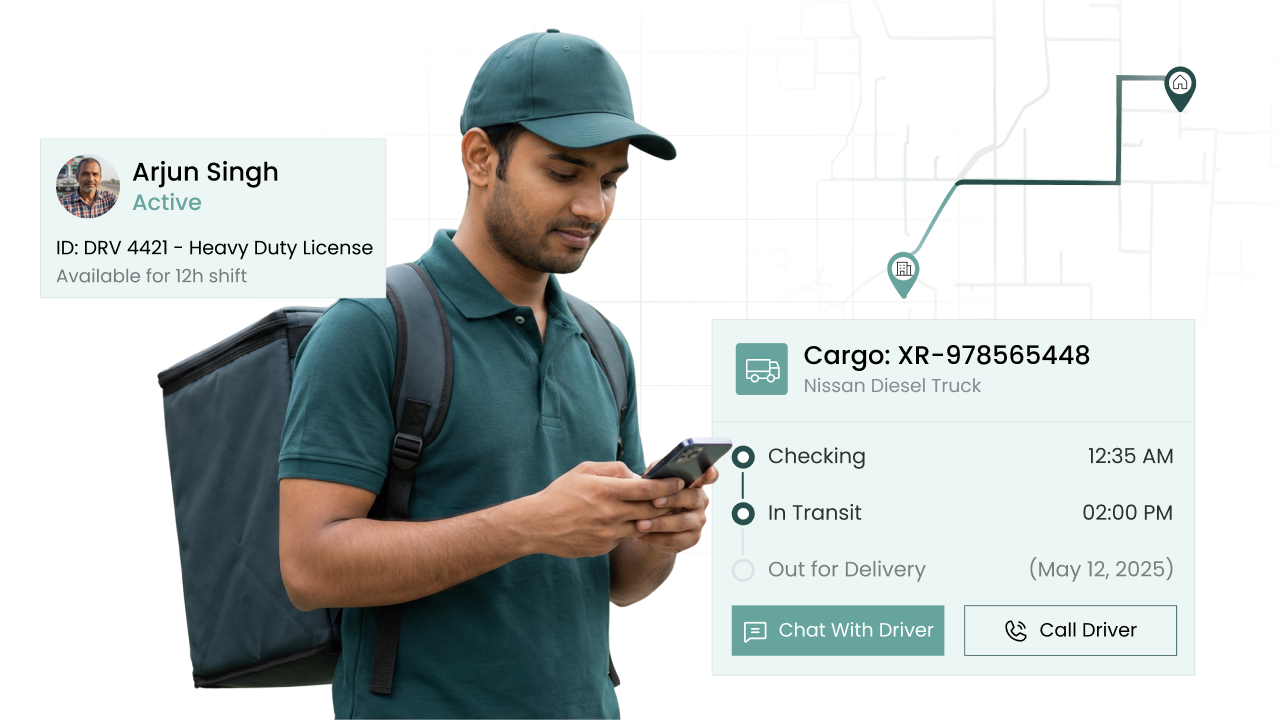
Freight enquiries chased on time
KYC papers filed, expiry dates flagged
Each admission enquiry followed up
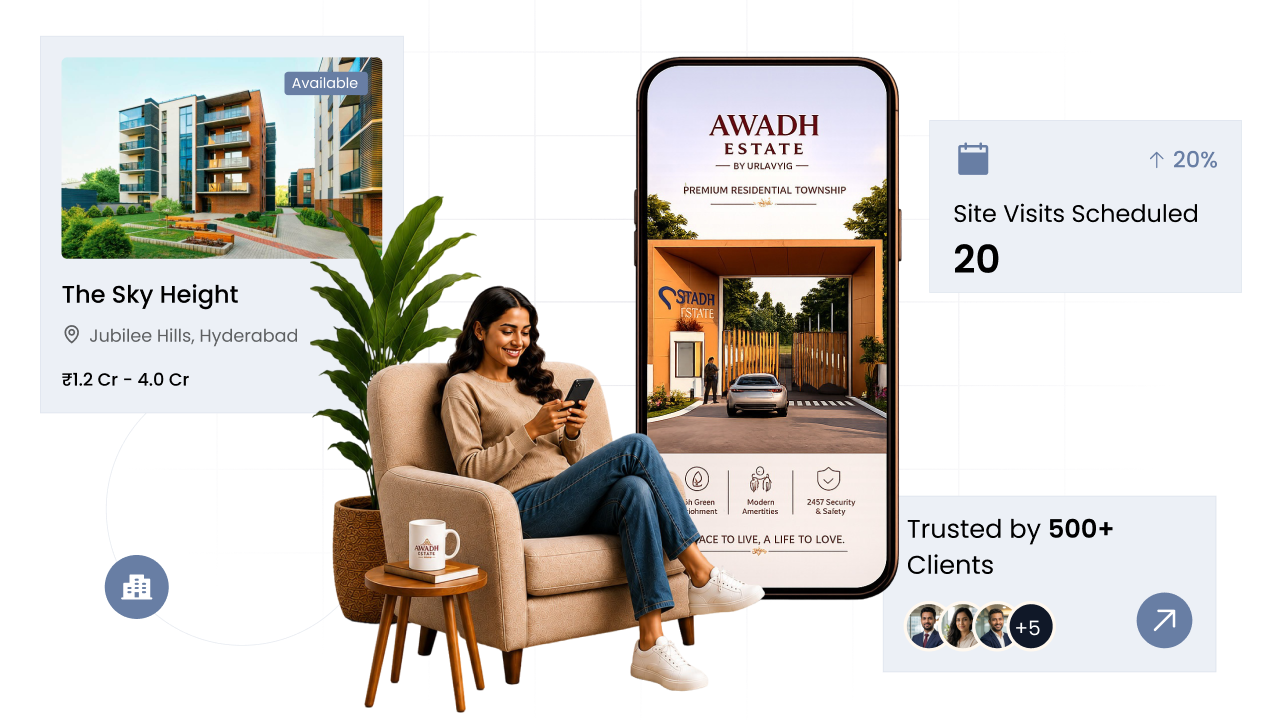
Site visits to bookings, all tracked
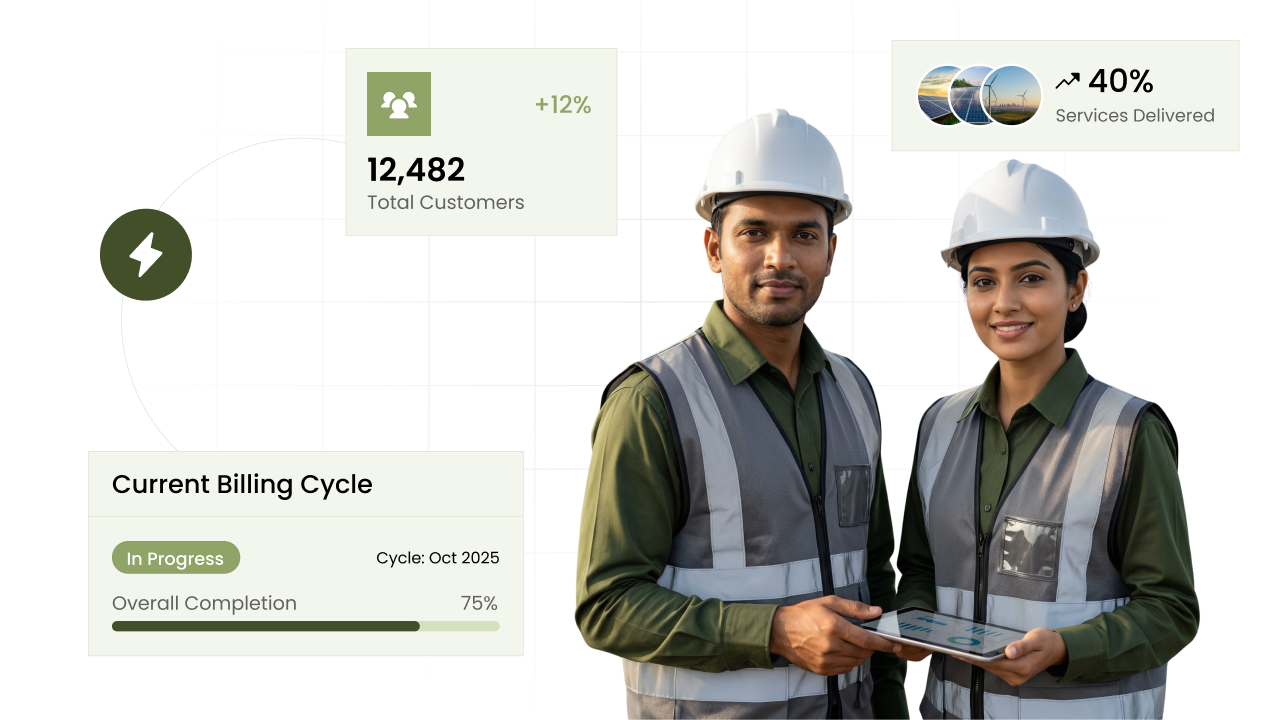
Solar leads from site survey to install
Showroom enquiries followed to delivery
Dealer quotes chased and dues noted
Banquet and group enquiries on track
Quotes become invoices without retyping
Donors and their follow-ups remembered
Proposals sent, accepted and billed
Demo requests chased while still warm
Every patient call-back remembered
Repeat buyers known by name and history
Matters, hearings and fees in one place
Client briefs to paid invoices
Stockists and MRs on one system
Site progress and part payments in step
Every renewal date on a reminder
Trip quotes followed up until they book
Distributor bills and payments tracked
Wedding enquiry to the big day, planned
Buyer quotes and unpaid dues followed up
Regulars called back for their next visit
Membership renewals called in good time
Design stages and fees in view
Buyer enquiries turned into firm quotes
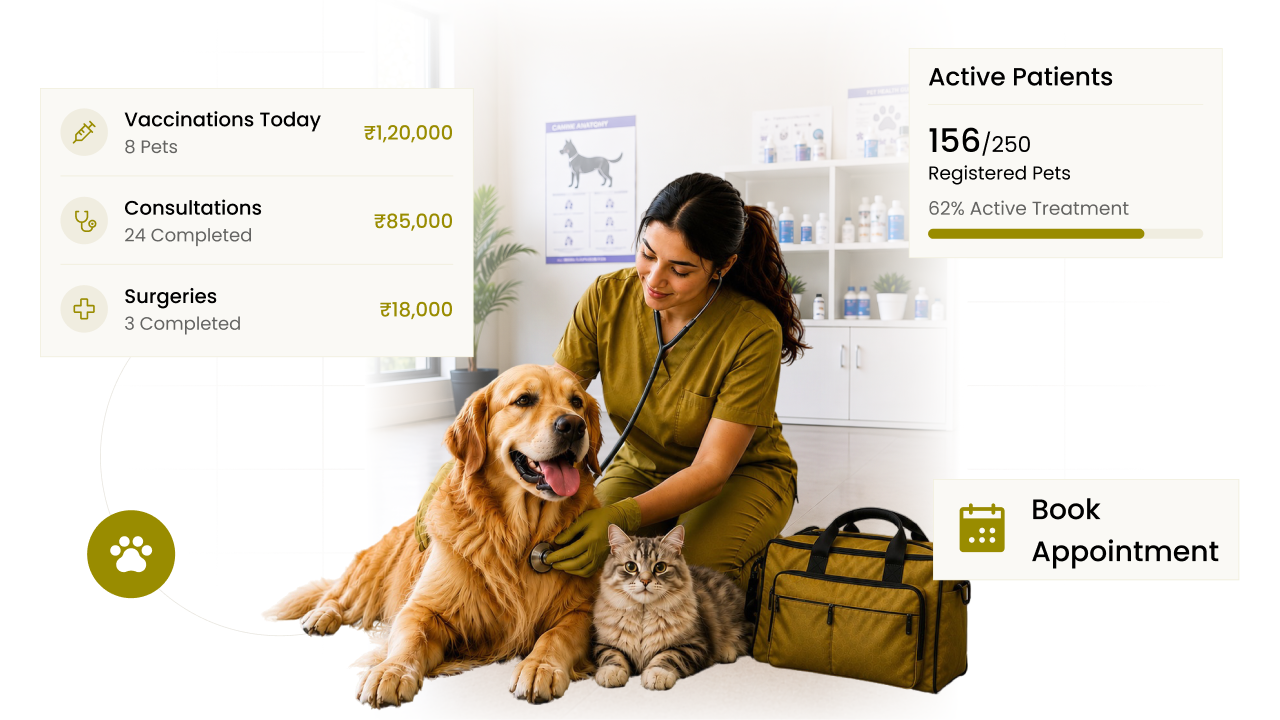
Pet visits and vaccine dates on record
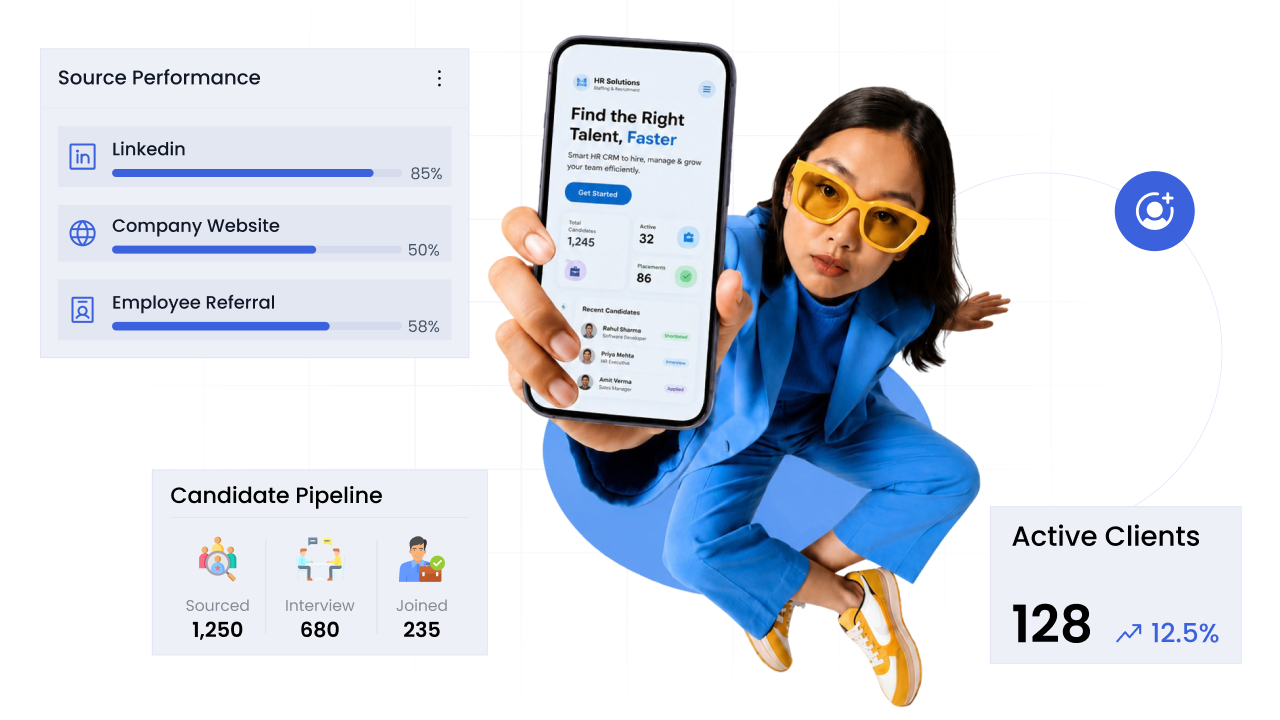
Hiring mandates followed to closure
Service jobs and contracts in order
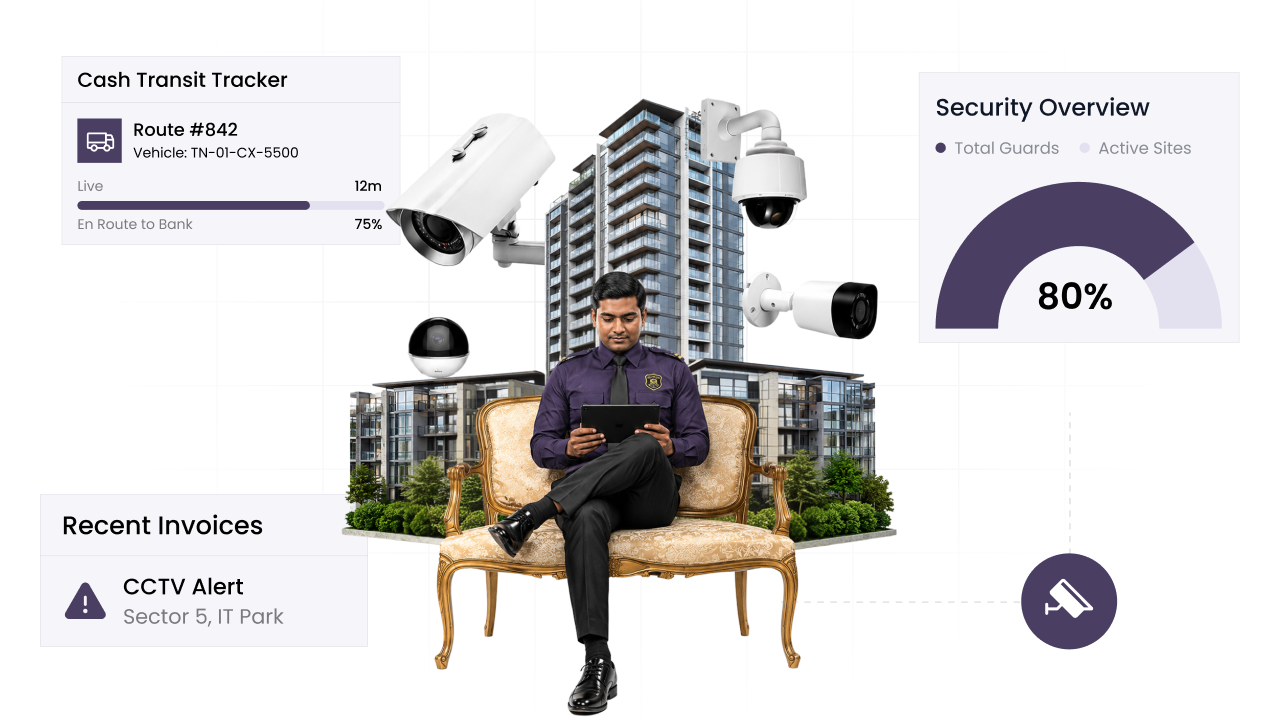
Guard papers tracked to their expiry
 We're here to help
Leave a few details and we call you within a day to walk you through CIPHER CRM set up for your trade. There is no commitment and nothing to sign.
On the call we map out your sales stages, answer whatever you want to ask, and show you exactly how your team would work day to day.
Book a free demo
We call within a day. Nothing to commit to.


No country found
1000 characters remaining
 Send on WhatsApp and get your demo Prefer to talk? Visit our contact page
By sending this, you are okay with CIPHER CRM getting in touch. We never share your details.
 No obligation
 Quick response
 Your data is safe